
For notebooks, paper notes, and quick sketches
Handwritten Notes to Editable Digital Notes
Convert handwritten pages into a cleaner digital result with a summary, editable note, topics, and useful follow-up context.
The problem
Paper is often where the best thinking starts, but it becomes hard to search, share, or build on unless someone manually rewrites it later.
What you can leave with
A readable summary of what the page is about.
Editable clean notes based on the handwritten capture.
Detected topics that make the note easier to recognize later.
Follow-up questions and next steps that help continue the work.
Before and after
The transformation should preserve the artifact.
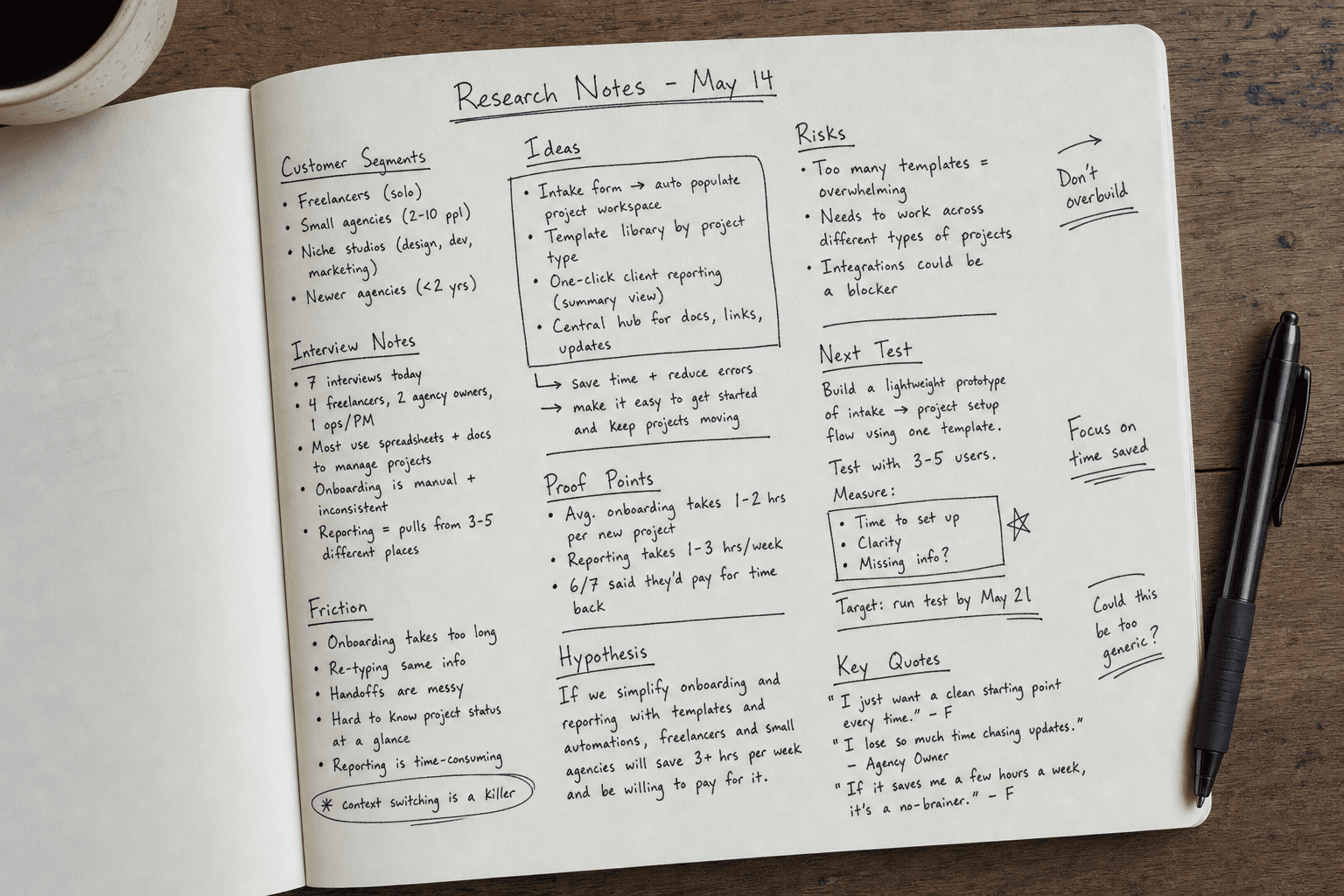
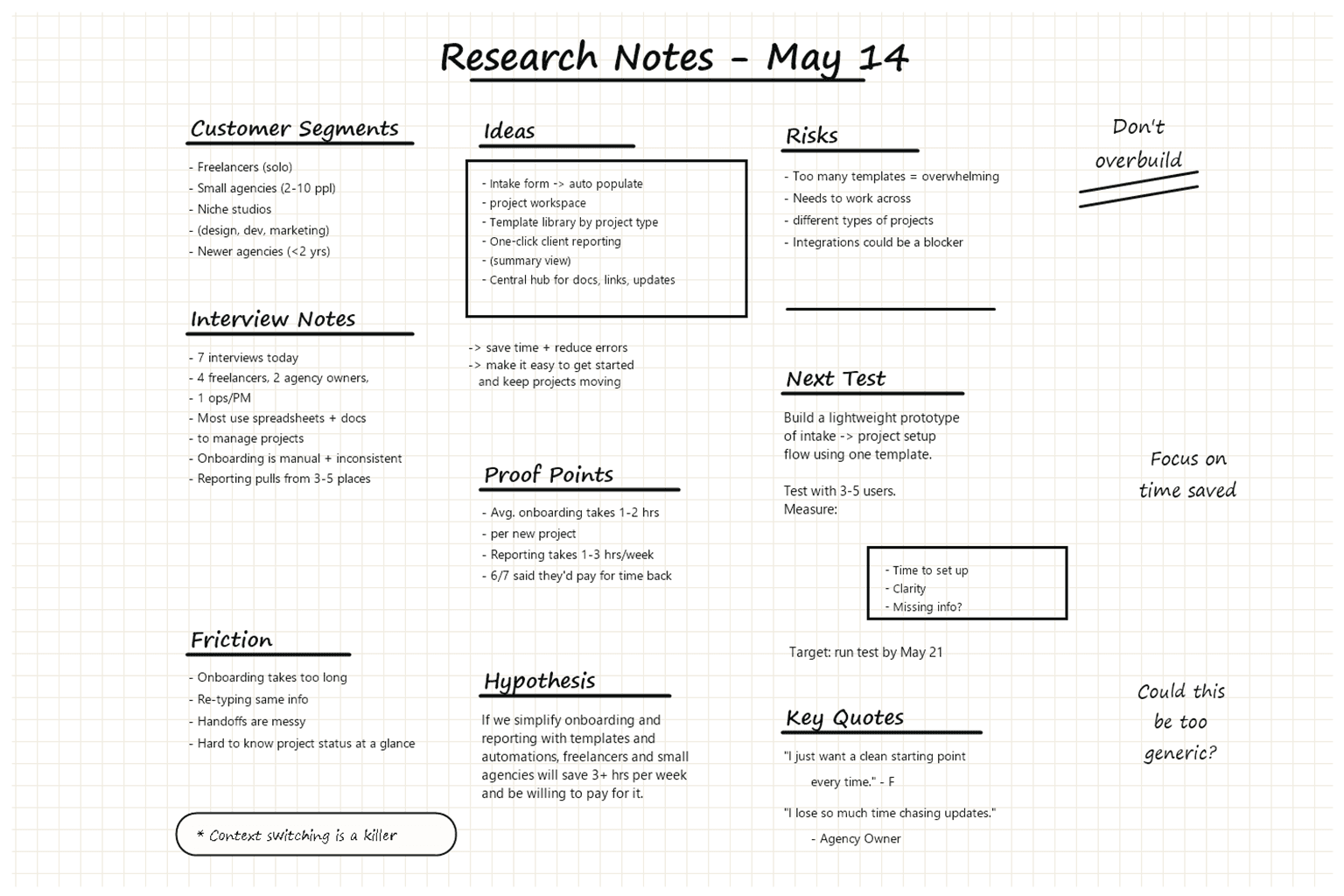
Representative example visuals show the kind of raw artifact ThoughtScribe starts with and the clean digital replica it can produce from the same source structure.
Before
Notebook page photo
After
Digital replica
Workflow
From capture to usable result
Capture the page
Photograph one handwritten page or upload a small set of related pages as a single capture.
Get structured notes
ThoughtScribe extracts visible writing into cleaned markdown while keeping the original capture available as context.
Correct unclear text
Review flags help you fix uncertain handwriting before relying on the result.
Build from the note
Use the summary, clean note, topics, and further information as a starting point for decisions, drafts, or follow-up work.
Example output
Summary
These handwritten notes compare three customer segments, highlight onboarding friction, and list follow-up questions for interviews.
Clean note
ThoughtScribe turns the page into organized markdown that the user can edit after extraction.
Questions
Which segment has the clearest buying trigger? What proof is still missing? What should be tested next?
Try it with your own capture
The best test is the board you already have.
Upload a real whiteboard, handwritten page, sketch, or planning photo and review what ThoughtScribe extracts from the current product workflow.