
For founders and product teams
Product Planning Whiteboards to Follow-Up Context
Use ThoughtScribe to turn product planning boards into summaries, editable notes, action-oriented context, and a visual replica of the original session.
The problem
Product planning creates a lot of implied context: tradeoffs, assumptions, risks, experiments, and next steps. A photo preserves the board, but not always the reasoning around it.
What you can leave with
A concise explanation of what the planning board communicates.
Clean notes that preserve visible sections, labels, and relationships.
Risks, questions, and action items generated as follow-up context.
A replica that helps the team remember how the planning session was structured.
Before and after
The transformation should preserve the artifact.
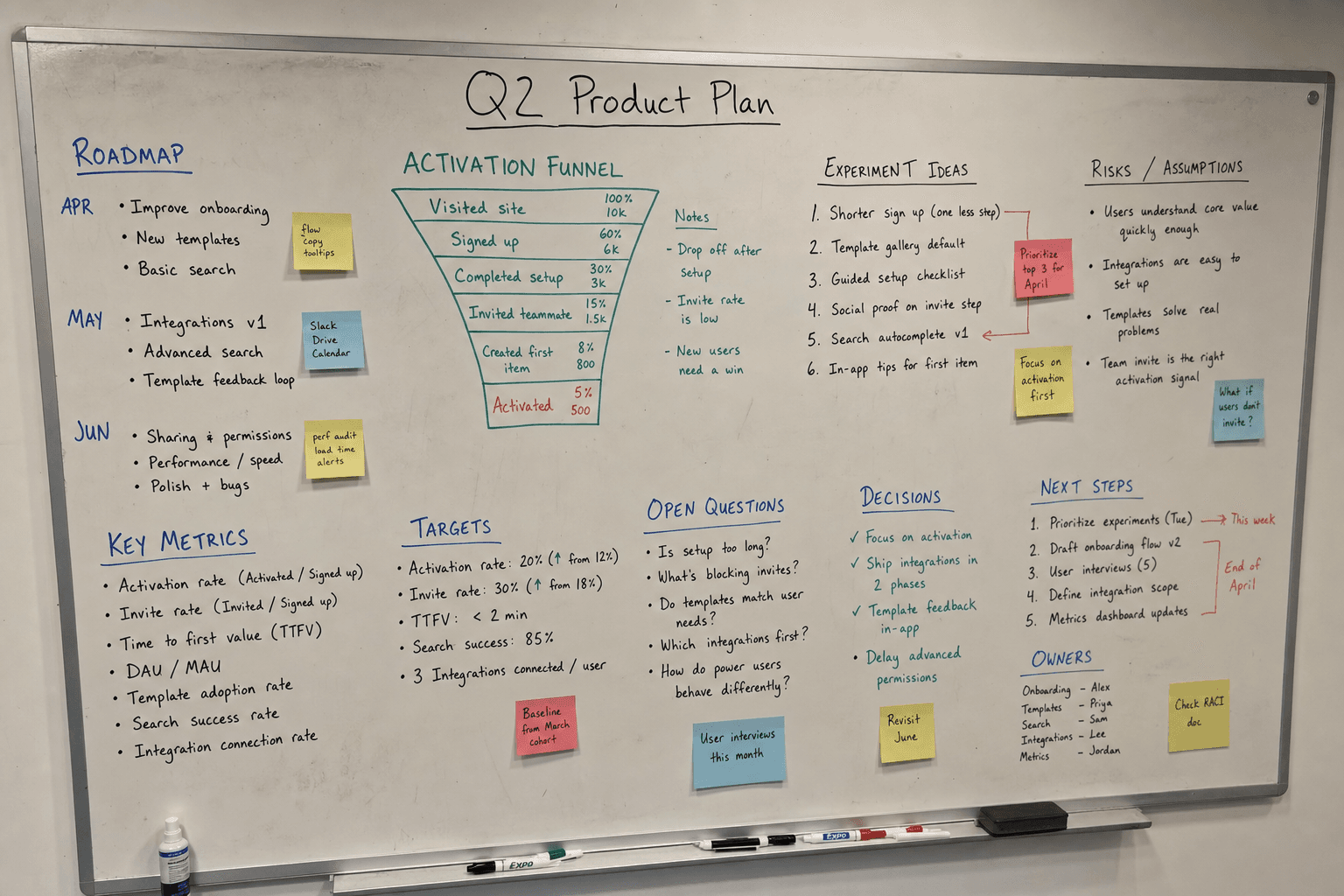
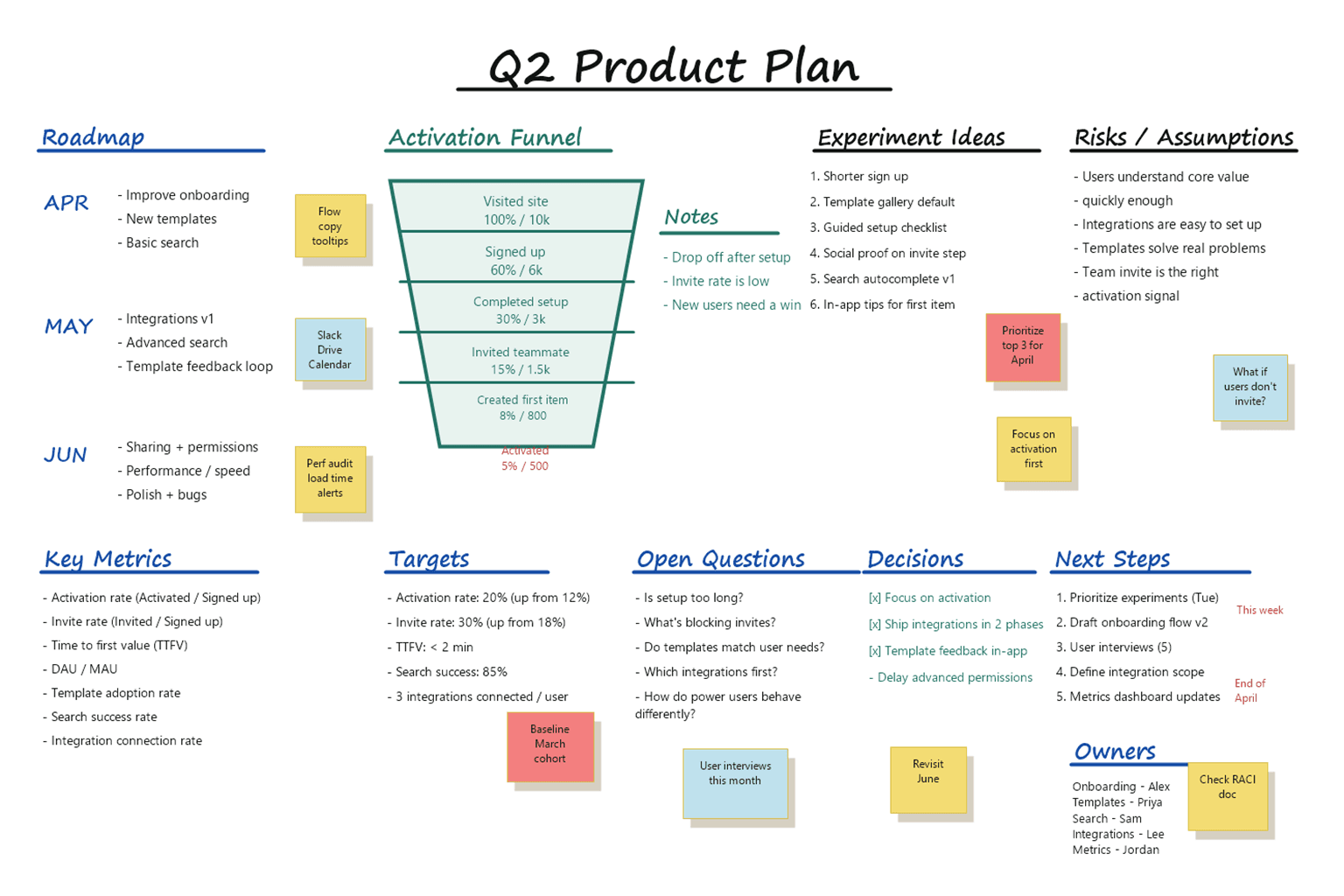
Representative example visuals show the kind of raw artifact ThoughtScribe starts with and the clean digital replica it can produce from the same source structure.
Before
Product planning board
After
Digital replica
Workflow
From capture to usable result
Upload the planning artifact
Add a photo of the roadmap, feature map, or strategy board after the session.
Let the model read the structure
ThoughtScribe extracts the visible content, layout, topics, summary, action items, and uncertain text.
Review before relying on it
Correct unclear words or accept them as written so the saved note reflects what the team actually meant.
Use the context layer
Further information cards can surface concepts, risks, questions, and action items that make the planning output easier to act on.
Example output
Summary
This planning board maps a product onboarding initiative across user segments, activation risks, experiment ideas, and ownership questions.
Risks
The board may need clearer success metrics, owner assignments, and a stronger distinction between hypotheses and committed roadmap work.
Next steps
Turn experiment ideas into a priority list, assign owners, and review unclear assumptions before the next product meeting.
Try it with your own capture
The best test is the board you already have.
Upload a real whiteboard, handwritten page, sketch, or planning photo and review what ThoughtScribe extracts from the current product workflow.